《小小机甲绝不睡觉!》Little Mechs Never Sleep
Little Mechs Never Sleep小小机甲绝不睡觉! · 粉丝测试版Fan playtest
开着它,机甲工厂自己运转、自己守边疆。 Leave it running: your mech factory builds and guards the frontier on its own.
合成材料、组装机甲、打下地块、派机甲驻防。Windows 10 / 11(64 位),免费试玩,还在开发中。 Merge materials, assemble mechs, conquer tiles and garrison them. Windows 10 / 11 (64-bit), free playtest, still in development.
正在读取构建信息…Loading build info…
网盘提取码:Cloud-drive code:
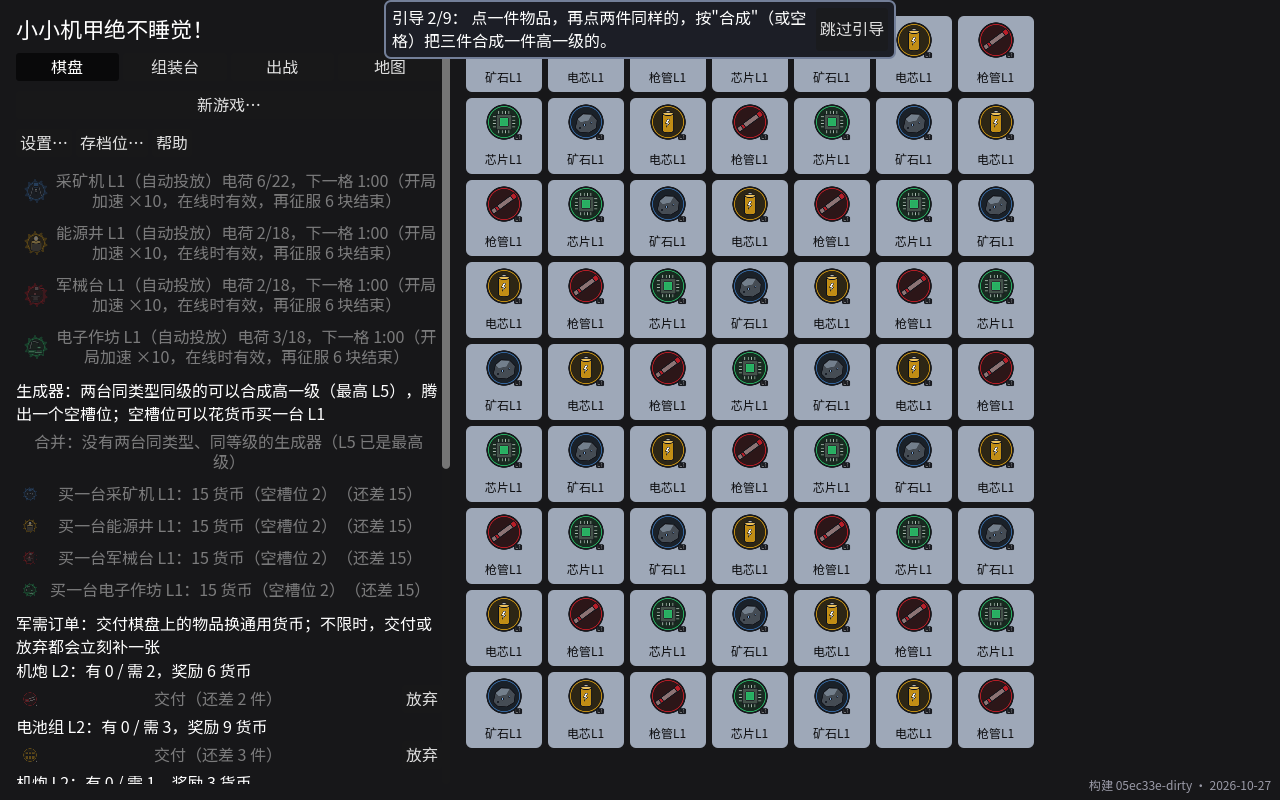
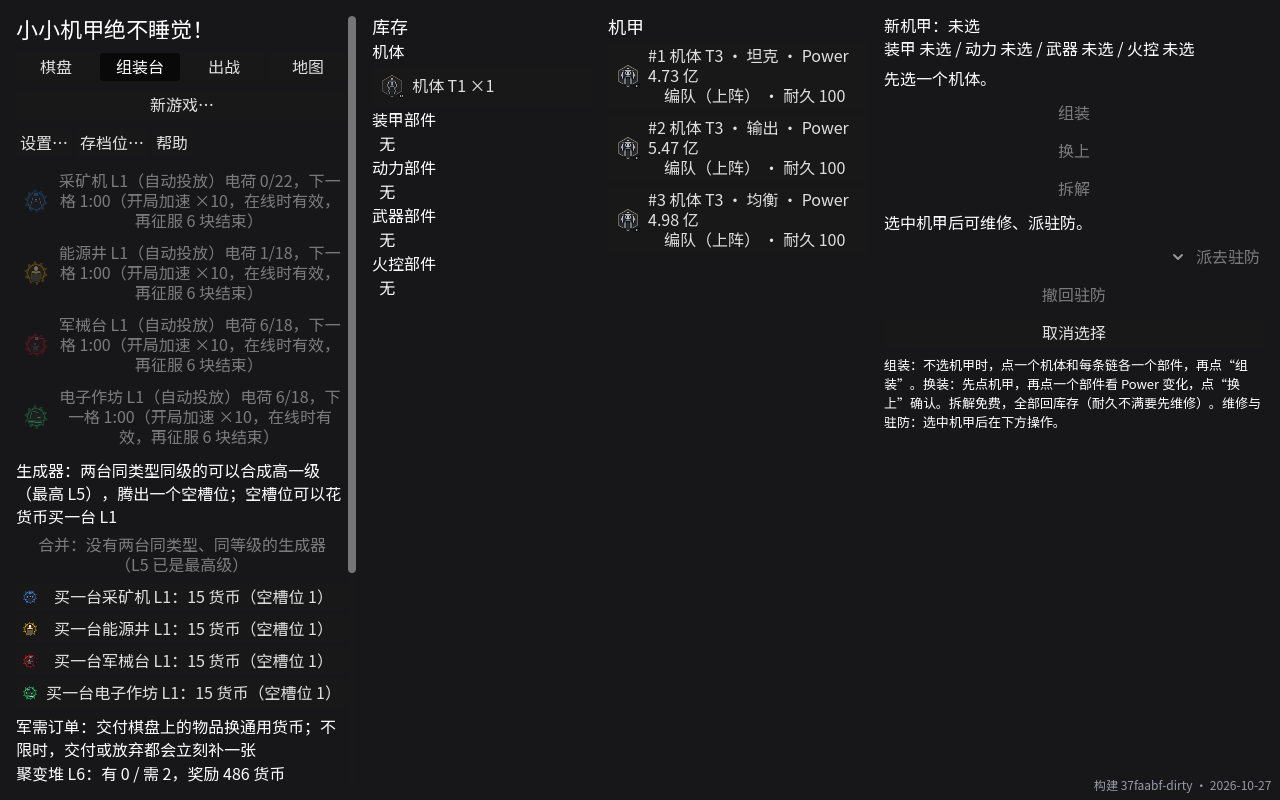
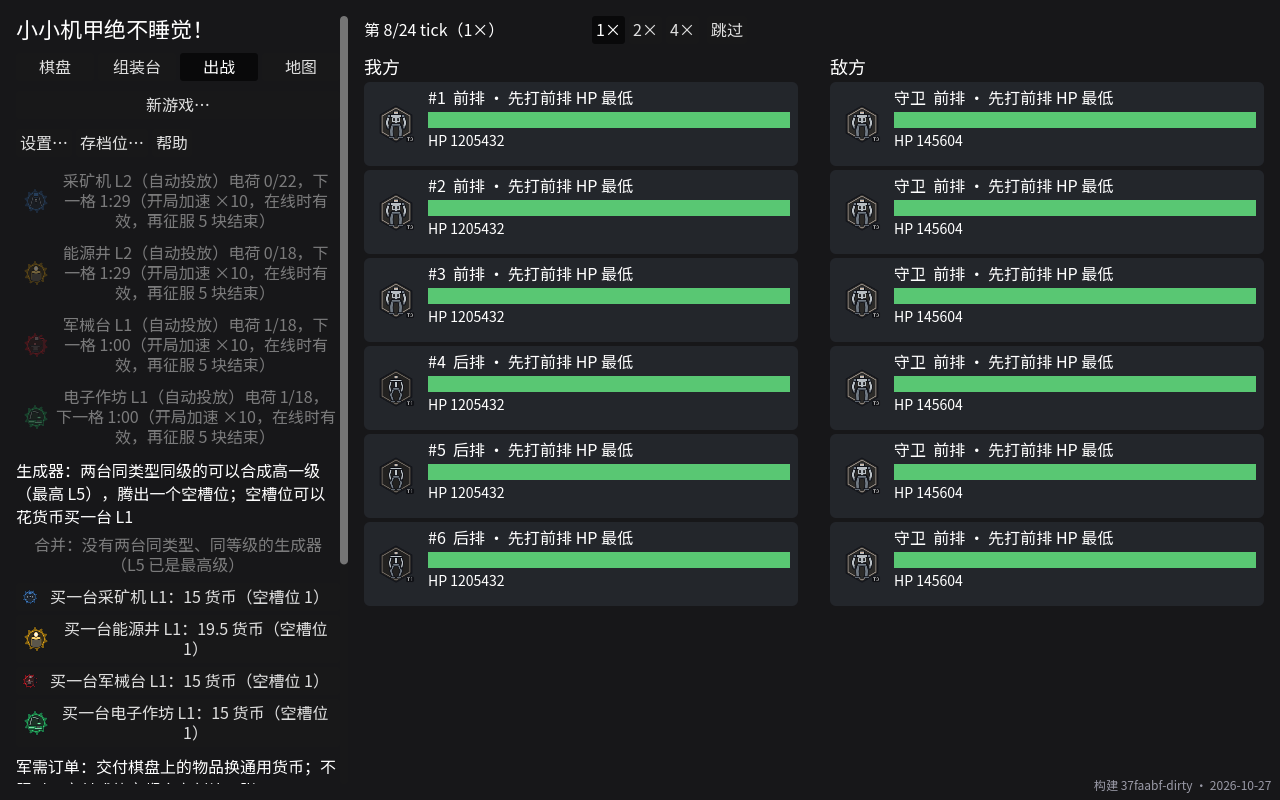
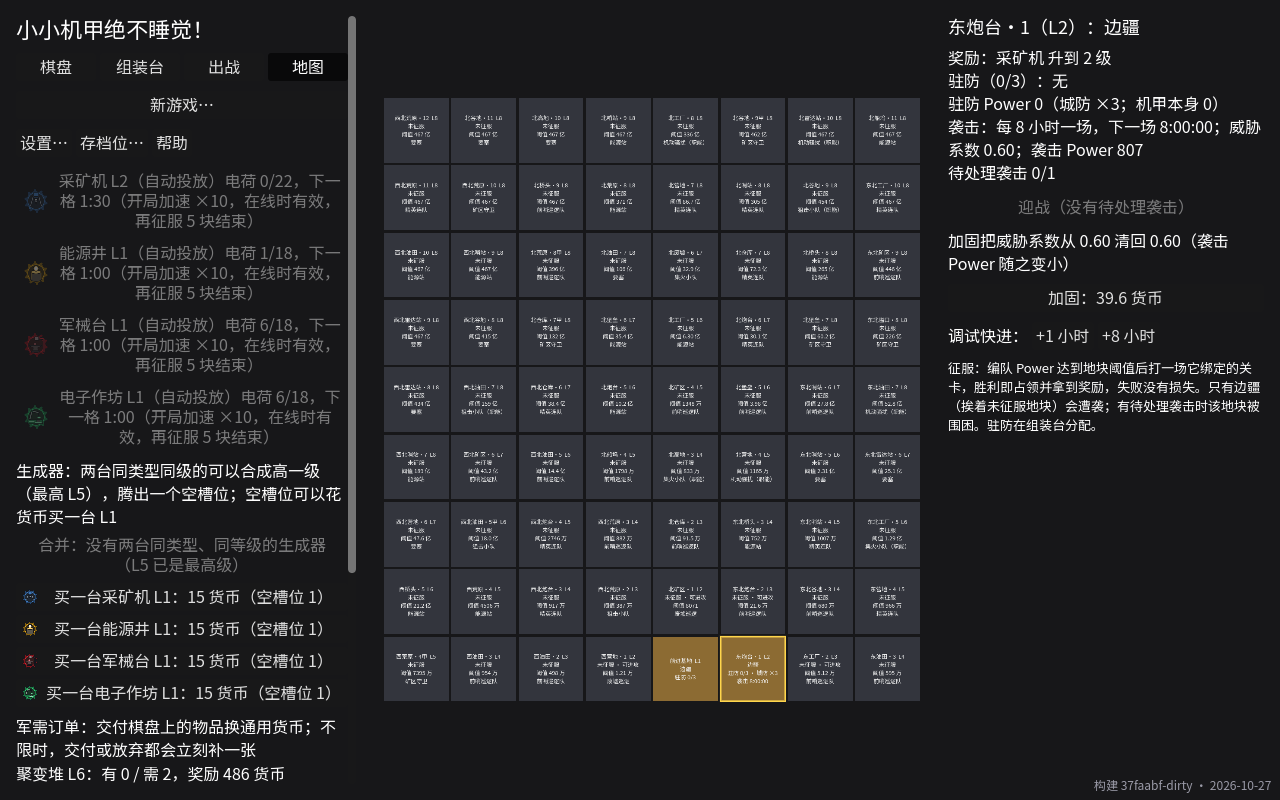
截图来自开发中的版本,美术都是占位图。 Screenshots are from a development build; all art is placeholder.
这一版想测什么What this build is testing
安装与运行Install and run
- 把压缩包整个解压到一个文件夹(不要在压缩包里直接双击运行)。 Extract the whole zip into a folder (don't run it from inside the zip).
- 双击
LittleMechs.exe。 Double-clickLittleMechs.exe. - 如果弹出 “Windows 已保护你的电脑”:点 “更多信息”,再点 “仍要运行”。 If you see “Windows protected your PC”: click “More info”, then “Run anyway”.
这个提示是因为游戏还没有做代码签名(签名要花钱,以后再说),不是病毒提示。浏览器如果说这个文件“不常下载”,选“保留”即可。 That warning appears because the game isn't code-signed yet (signing costs money; maybe later). It is not a virus warning. If your browser says the file “isn't commonly downloaded”, choose “Keep”.
怎么反馈How to give feedback
- 在游戏里点 “设置…” → “导出反馈包…” → “导出”,桌面上会生成一个
LittleMechs-feedback-….zip。 In the game, click “Settings…” → “Export feedback bundle…” → “Export”. ALittleMechs-feedback-….zipappears on your desktop. - 把这个 zip 发给 Eric(用你平时联系 Eric 的方式就行)。玩了几天的话,最后导出一次就够了;游戏崩溃了也请导出一次。 Send that zip to Eric however you normally reach him. After several days of play, one export at the end is enough; please also export after a crash.
- 填一下问卷:Fill in the survey: 打开问卷Open survey
反馈码Feedback code
反馈码是你这台电脑的随机设备编号的前 6 位,在游戏的“设置”和“帮助”页里能看到,反馈包里也有。填问卷或者给 Eric 发消息时附上它,Eric 就能把你的问卷、反馈包和上传的数据对上。它不包含任何个人信息。 Your feedback code is the first 6 characters of this computer's random device ID. You can see it on the game's Settings and Help pages, and it's inside the feedback bundle. Include it in the survey or your message so Eric can match your answers, your bundle and any uploaded data. It contains no personal information.
隐私Privacy
- 游戏数据上传是可选的。第一次启动时游戏会问你,选“开启”才上传;选“不开启”游戏就不联网。
- 上传的只是游戏里的操作记录(合成、组装、战斗结果、袭击……)以及构建号和游戏语言,用来调数值和改引导。文件路径、电脑名、Windows 用户名在上传前就去掉了。
- 不记名,但不是完全匿名:每台电脑有一个随机的设备编号,每条数据都带着它;它和你的名字、账号没有关系。反馈码就是它的前 6 位,反馈时附上反馈码,Eric 就能把你说的和数据对上。
- 我们的服务器程序不读取、不保存你的 IP 地址,也不记请求头(连接本身经过 Cloudflare)。
- 随时可以在“设置”里关掉上传。设置里的“删除我上传的数据”会按设备编号删除服务器上这台电脑上传过的全部记录。
- 保存多久:上传的数据长期保存,不设期限,用来和以后的版本对比。任何时候都能在设置里删除;只要服务器上还存着数据,删除功能就一直能用。哪天要关掉服务器,会先把数据删掉。
- 反馈包从不自动上传:它只存在你自己的电脑上,只有你把 zip 发出去,Eric 才看得到。
- Gameplay data upload is optional. The game asks at first launch; it only uploads if you choose “Turn on”. Otherwise it never goes online.
- Only in-game activity is uploaded (merges, assembly, battle results, raids…) plus the build number and game language, to tune numbers and the tutorial. File paths, computer name and Windows user name are stripped before upload.
- No name, but not fully anonymous: each computer gets a random device ID that is attached to every record; it has nothing to do with your name or account. Your feedback code is its first 6 characters — include it with feedback and Eric can match what you say with the data.
- Our server code doesn't read or store your IP address and doesn't log request headers (the connection itself goes through Cloudflare).
- You can turn uploading off any time in Settings. “Delete my uploaded data” in Settings deletes everything this computer has uploaded, by device ID.
- How long it is kept: uploaded data is kept long-term, with no time limit, to compare with future versions. You can delete it in Settings at any time; as long as any data is still on the server, the delete function keeps working. If the server is ever shut down, the data will be deleted first.
- The feedback bundle is never uploaded automatically: it stays on your computer, and Eric only sees it if you send the zip yourself.